

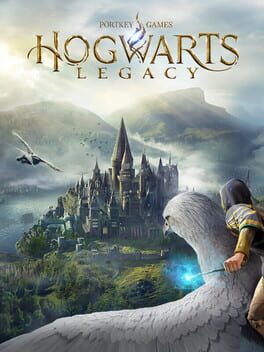
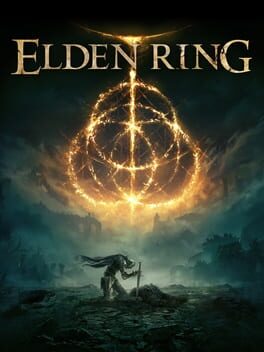

I gotta buy it again on the ps5, the story was just too good in the game alot of things to do. The swinging will always be a favorite of mine
Your games. Your progress. Your backlog.Your backlog, organized.
Your backlog, organized.
More games finished.
Track the games you own, decide what to play, and celebrate what you finish. Bring your library, wishlist, reviews, and progress together in one place.
Free to join. Built for the games you already own.On the community’s radar
Last 30 daysTrending on FinalSave
Beyond the score
Browse reviews ↗What players are saying
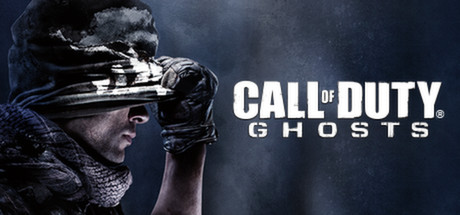
The story is great all new stuff to do each missions, this is very different from other cod games, spent hours on ps3 doing the multiplayer and story mode
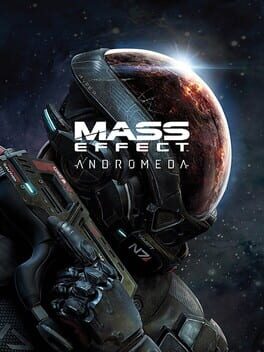
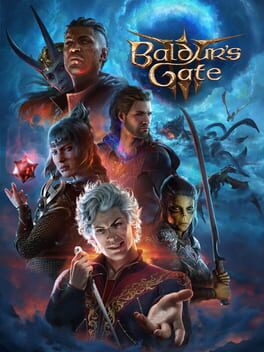
This was decent, but definitely not on par with the Mass Effect trilogy. Graphically, it is very impressive (except for character faces), but the gameplay was a mixed bag to me. Combat was pretty fun, but the fact that the more "difficult" enemies were massive bullet sponges was not my favorite. The companions were okay, but not all that memorable, and I was surprised at how few of them there were too. I really liked the setting and the overall story though. It isn't a perfect game, but it was still well worth playing through.
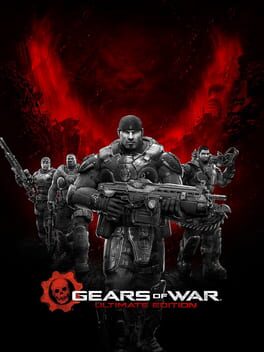
A bit unfair rating this in 2026 ad it came out in 2007. This edition holds up really well thought, great story and world design. Main gripe the camera shake when sprinting and shooting the turret that was horrid but overall great start to the gears series
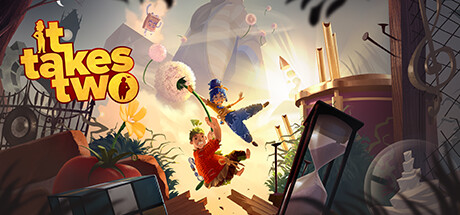
It Takes Two
Reviewed by DerLauchigeTypExcellent game to play with a friend or partner. Acchievements are fun, with a bit experimenting and discovering required
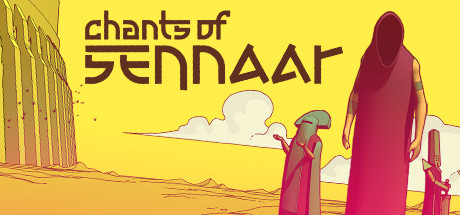
Challenging, fun puzzler. The whole setting is great. They nailed the environmental story-telling because of the lack of language
A different way to discover
Lists for your backlog
Top FPS games
Start with the kind of action you want: the fast movement of DOOM, the atmosphere of BioShock, or the story-led campaign of Half-Life 2. A shortlist for choosing your next shooter from the backlog.
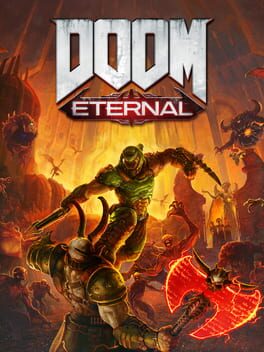
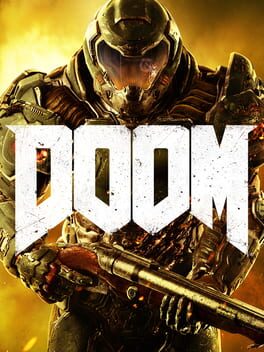
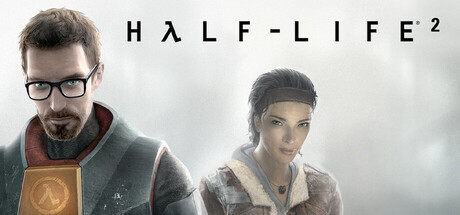
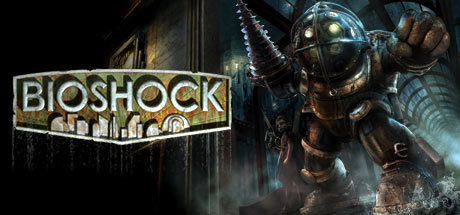
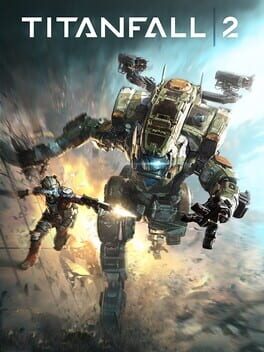
Explore 6 games
Top RPGs
Make room for a longer adventure. These picks range from party-building and meaningful choices to open-world exploration. Choose one that fits the time you have, rather than starting several at once.
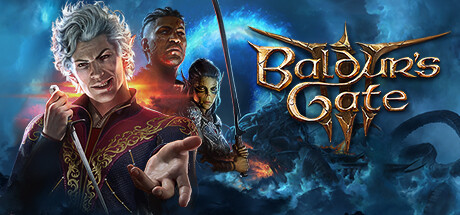
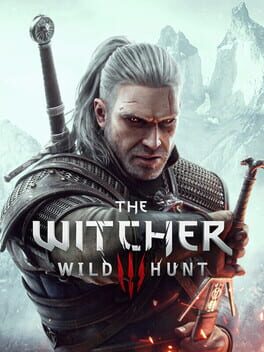
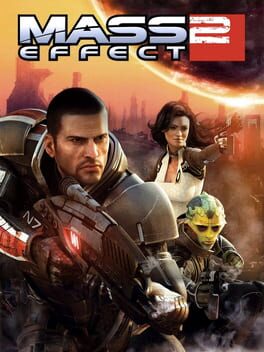

Short games worth finishing
Looking for a finish without committing to a sprawling campaign? These focused adventures offer puzzles, exploration, and memorable stories that can fit between bigger games.


Your next obsession?
Release dates may changeComing soon
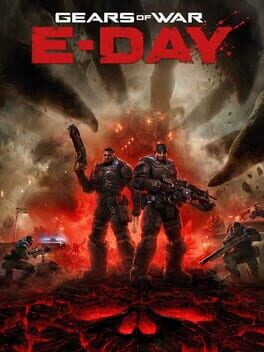
About the game
Experience the brutal horror of Emergence Day through the eyes of Marcus Fenix in the origin story of one of gaming's most acclaimed sagas. Fourteen years before Gears of War, war heroes Marcus Fenix and Dom Santiago return home to face a new nightmare: the Locust Horde. These subterranean monsters, grotesque and relentless, erupt from below, laying siege on humanity itself. Built from the ground up with Unreal Engine 5, Gears of War: E-Day delivers unprecedented graphical fidelity.
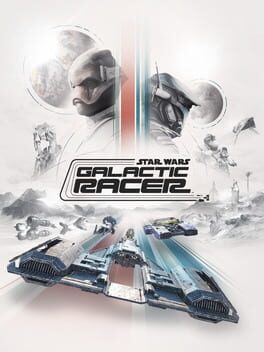
About the game
STAR WARS: Galactic Racer is a runs-based, high-stakes reinvention of racing born in the lawless Outer Rim. With the Empire gone and the galaxy rebuilding, The Galactic League is created: an underground, unsanctioned circuit where syndicates bankroll chaos and champions are forged.
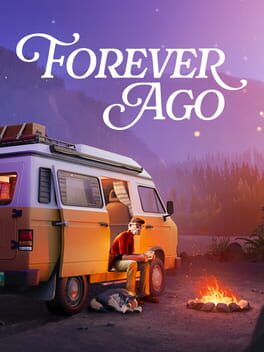
About the game
Following a tragic stroke of fate, Alfred embarks on a journey north in search of redemption. In this single-player road trip adventure, you'll travel to beautiful places, capture memories with your camera, meet interesting people, and even make some new friends.

About the game
Silver Pines is a Survival Horror set in small town America. Fight nightmarish terrors and solve puzzles, while carefully managing your scarce resources as you uncover the mysteries that could hold the key to redemption.
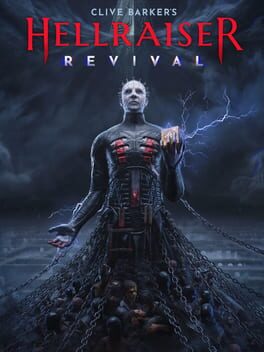
About the game
Experience a new chapter in the legendary horror series like never before. Clive Barker's Hellraiser: Revival takes first-person action horror survival to the next level. Wield the powers of the Genesis Configuration puzzle box to survive your bargain with the infamous Pinhead.
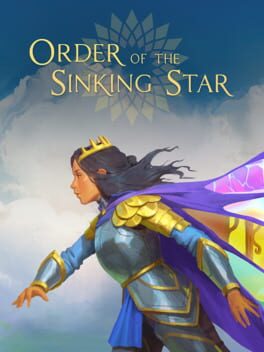
About the game
From director Jonathan Blow (Braid, The Witness), Order of the Sinking Star is a narrative adventure set in a realm of magic and enigma. Solve over 1000 interconnected, hand-crafted puzzles, discover unique playable heroes, master evolving gameplay mechanics, and decipher a grand mystery.
Worth making time for
Rated by at least 3 playersCommunity favorites

A home for your gaming lifeClear your backlog.
Clear your backlog.
Keep the memories.
FinalSave brings your collection, reviews, and completed games together. Import your library or add games yourself, track what you’re playing, and keep a record of what made each game worth your time.
Keep your collection close
Build your backlog, save a wishlist, and find your finished games in one place.
Say what you think
Rate games out of 10 and share your experience. Public sharing is always your choice.
Make a little progress
Plan around your weekly hours, follow your progress, and celebrate every finish.
Fresh from FinalSave
A new Home. A plan for your backlog.
Explore Play Plan, easier wishlisting, and better completion tracking in our latest update.
Before you start your backlog.
Is FinalSave free?
Yes. Track your games, write reviews, and keep a wishlist for free. Supporters can save Play Plans and access additional collection tools.
Do I need to connect Steam?
No. You can add games manually. Steam and other supported imports are optional.
Will my reviews be public?
Only if you enable public game-page sharing in Account Settings. Your private reviews are not featured on this homepage.